Giving Your Chatbot a Memory: Building RAG-Powered Bots with Vector Databases
A hands-on guide to embeddings, semantic search, and Retrieval-Augmented Generation — with a full Node.js + Pinecone chatbot example
The Problem: Why Chatbots Forget Everything {#the-problem}
Large language models are remarkably fluent, but they have a hard boundary: they only know what was in their training data, plus whatever fits in the current context window. Ask a plain LLM-powered bot a question about your company's internal documentation, last week's support tickets, or a PDF a user just uploaded, and it will either hallucinate an answer or admit it has no idea.
You could try stuffing all your documents into the prompt every time, but that gets expensive fast, hits context limits quickly, and buries the model in irrelevant text — which actually hurts answer quality.
The Solution: Vector Databases + RAG {#the-solution}
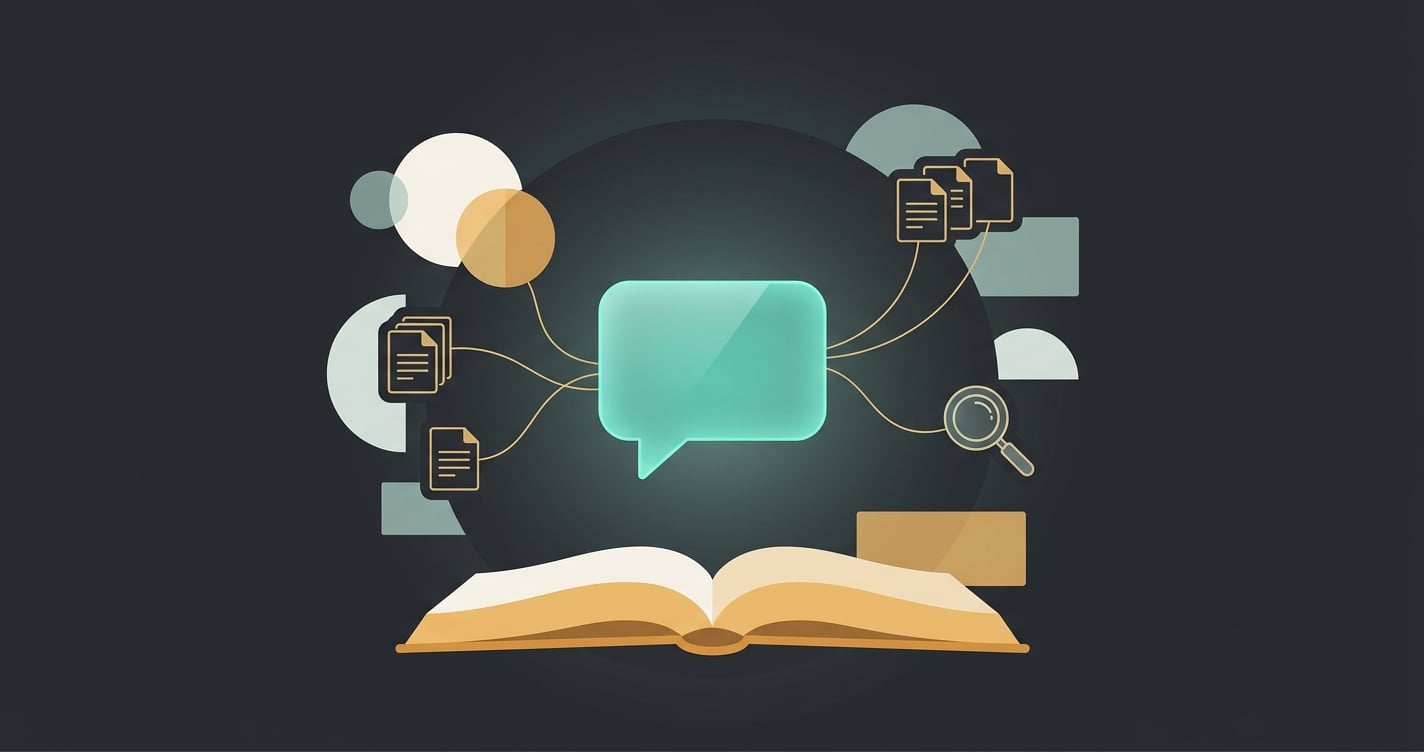
This is where Retrieval-Augmented Generation (RAG) comes in, and vector databases are the engine that makes it practical. Instead of feeding the model everything, you:
Convert your documents into numerical representations called embeddings.
Store those embeddings in a vector database built for fast similarity search.
When a user asks a question, embed the question too, and retrieve only the most semantically relevant chunks of text.
Pass just those chunks to the LLM as context.
The result is a chatbot that answers accurately from your own data, stays cost-efficient, and scales to millions of documents.
Prerequisites {#prerequisites}
To follow along, you should be comfortable with:
JavaScript/Node.js basics (ES modules, async/await)
Basic familiarity with REST APIs
An OpenAI API key (or any embedding-model provider)
A free-tier Pinecone account (Chroma, Weaviate, Qdrant, or Milvus work similarly)
How Vector Search Actually Works {#how-vector-search-works}
Every piece of text can be converted into a vector — a long list of numbers that captures its meaning in a high-dimensional space. Texts with similar meaning end up positioned close together in that space, even if they don't share any exact words.
"How do I reset my password?" and "I forgot my login credentials" → close together
"How do I reset my password?" and "What's your refund policy?" → far apart
A vector database is purpose-built to answer one question extremely fast, even across millions of entries: "Given this query vector, which stored vectors are closest to it?" It does this using indexing structures like HNSW (Hierarchical Navigable Small World graphs), which trade a tiny bit of accuracy for massive speed gains over brute-force comparison.
Architecture Overview {#architecture}
Here's the shape of the system we're building:
┌─────────────┐ ┌──────────────┐ ┌───────────────────┐
│ Documents │ ──▶ │ Chunker + │ ──▶ │ Vector Database │
│ (FAQ, docs) │ │ Embedder │ │ (Pinecone) │
└─────────────┘ └──────────────┘ └────────┬───────────┘
│
▼ top-k matches
┌─────────────┐ ┌──────────────┐ ┌───────────────────┐
│ User Query │ ──▶ │ Embedder │ ──▶ │ Similarity Search │
└─────────────┘ └──────────────┘ └────────┬───────────┘
│
▼ relevant chunks
┌───────────────────┐
│ LLM (Chat API) │
│ + retrieved text │
└────────┬───────────┘
▼
Final chatbot answer
There are two separate pipelines: an ingestion pipeline (runs once, or whenever your data changes) and a query pipeline (runs on every user message).
Building the Chatbot Step by Step {#building}
Step 1: Setting Up the Project {#step-1}
mkdir vector-chatbot && cd vector-chatbot
npm init -y
npm install openai @pinecone-database/pinecone express dotenv
Create a .env file:
OPENAI_API_KEY=your-openai-key
PINECONE_API_KEY=your-pinecone-key
PINECONE_INDEX=chatbot-knowledge
Step 2: Chunking and Embedding Your Data {#step-2}
Raw documents are usually too long to embed as a single unit — long chunks dilute meaning and blow past retrieval relevance. Splitting text into smaller, overlapping chunks keeps each embedding focused on a coherent idea, while the overlap prevents context from being cut off mid-thought.
// chunker.js
export function chunkText(text, chunkSize = 500, overlap = 50) {
  const words = text.split(/\s+/);
  const chunks = [];

  for (let i = 0; i < words.length; i += chunkSize - overlap) {
    const chunk = words.slice(i, i + chunkSize).join(" ");
    chunks.push(chunk);
  }

  return chunks;
}
Next, we turn each chunk into an embedding using OpenAI's embedding model. text-embedding-3-small is a good default: cheap, fast, and accurate enough for most chatbot use cases.
// embed.js
import OpenAI from "openai";

const openai = new OpenAI({ apiKey: process.env.OPENAI_API_KEY });

export async function embedText(text) {
  const response = await openai.embeddings.create({
    model: "text-embedding-3-small",
    input: text,
  });

  return response.data[0].embedding;
}
Step 3: Storing Vectors in Pinecone {#step-3}
Now we push each chunk's embedding into Pinecone, along with the original text as metadata — this is important, because the vector itself is just numbers; you need the source text back when it's time to answer the question.
// ingest.js
import { Pinecone } from "@pinecone-database/pinecone";
import { chunkText } from "./chunker.js";
import { embedText } from "./embed.js";

const pinecone = new Pinecone({ apiKey: process.env.PINECONE_API_KEY });
const index = pinecone.index(process.env.PINECONE_INDEX);

export async function ingestDocument(docId, rawText) {
  const chunks = chunkText(rawText);

  const vectors = await Promise.all(
    chunks.map(async (chunk, i) => ({
      id: `${docId}-chunk-${i}`,
      values: await embedText(chunk),
      metadata: { text: chunk, docId },
    }))
  );

  // Upsert in a single batch call for efficiency
  await index.upsert(vectors);
  console.log(`Ingested ${vectors.length} chunks for ${docId}`);
}
Key takeaway here: batching your upsert calls (rather than inserting one vector at a time) drastically reduces round-trip latency when ingesting large documents.
Step 4: Retrieval + Generation Loop {#step-4}
This is the core RAG logic. We embed the user's question, ask Pinecone for the topK most similar chunks, and assemble them into a context block for the LLM.
// retrieve.js
import { Pinecone } from "@pinecone-database/pinecone";
import { embedText } from "./embed.js";

const pinecone = new Pinecone({ apiKey: process.env.PINECONE_API_KEY });
const index = pinecone.index(process.env.PINECONE_INDEX);

export async function retrieveContext(query, topK = 4) {
  const queryVector = await embedText(query);

  const results = await index.query({
    vector: queryVector,
    topK,
    includeMetadata: true,
  });

  return results.matches.map((match) => match.metadata.text);
}
We deliberately keep topK small (3–5). Retrieving too many chunks reintroduces the original problem — noisy, bloated context that confuses the model rather than helping it.
Step 5: Wiring It Into a Chat Endpoint {#step-5}
Finally, we combine retrieval with generation behind a simple Express endpoint. The retrieved chunks are injected into the system prompt, explicitly instructing the model to answer only from the provided context — this is what keeps the bot grounded and reduces hallucination.
// server.js
import express from "express";
import OpenAI from "openai";
import { retrieveContext } from "./retrieve.js";

const app = express();
app.use(express.json());

const openai = new OpenAI({ apiKey: process.env.OPENAI_API_KEY });

app.post("/chat", async (req, res) => {
  const { message } = req.body;

  try {
    const contextChunks = await retrieveContext(message);
    const contextBlock = contextChunks.join("\n---\n");

    const completion = await openai.chat.completions.create({
      model: "gpt-4o-mini",
      messages: [
        {
          role: "system",
          content: `You are a helpful support assistant. Answer the user's question using ONLY the context below. If the answer isn't in the context, say you don't know.\n\nContext:\n${contextBlock}`,
        },
        { role: "user", content: message },
      ],
    });

    res.json({ reply: completion.choices[0].message.content });
  } catch (err) {
    console.error(err);
    res.status(500).json({ error: "Something went wrong." });
  }
});

app.listen(3000, () => console.log("Chatbot running on port 3000"));
That's a complete, working RAG chatbot: documents in, grounded answers out.
Key Takeaways {#key-takeaways}
Vector databases turn "search" into "meaning matching." Instead of keyword lookup, you retrieve text based on semantic similarity, which is what makes chatbots feel like they "understand" your data.
RAG keeps LLMs grounded and cost-efficient. You only pay for and send the small slice of context that's actually relevant to each query, instead of your entire knowledge base.
Chunking strategy matters more than people expect. Chunk size and overlap directly affect answer quality — too large and you lose precision, too small and you lose context.
Metadata is your bridge back to human-readable text. Always store the original text (and source references) alongside each vector so you can reconstruct meaningful answers and citations.
Limitations & future improvements to consider:
This basic setup doesn't handle conversation history — a production bot would also embed and factor in recent chat turns.
Re-ranking retrieved chunks with a cross-encoder model can meaningfully improve accuracy over raw vector similarity alone.
For very large knowledge bases, you'll want metadata filtering (e.g., by department, date, or document type) to narrow the search space before similarity scoring.
About the author
- I have a strong focus on chatbot and AI automation. My work revolves around leveraging intelligent automation to improve marketing performance, streamline customer communication, and drive business growth. I specialize in using AI-powered chatbots to build automated funnels, generate leads, and enhance customer engagement across platforms like WhatsApp, websites, and social media. I work closely with SaaS and automation tools to create data-driven marketing strategies that deliver measurable results.
Comments
Join the discussionNo comments yet. Be the first to comment.